Your files, your servers, everything in the cloud — in one window.
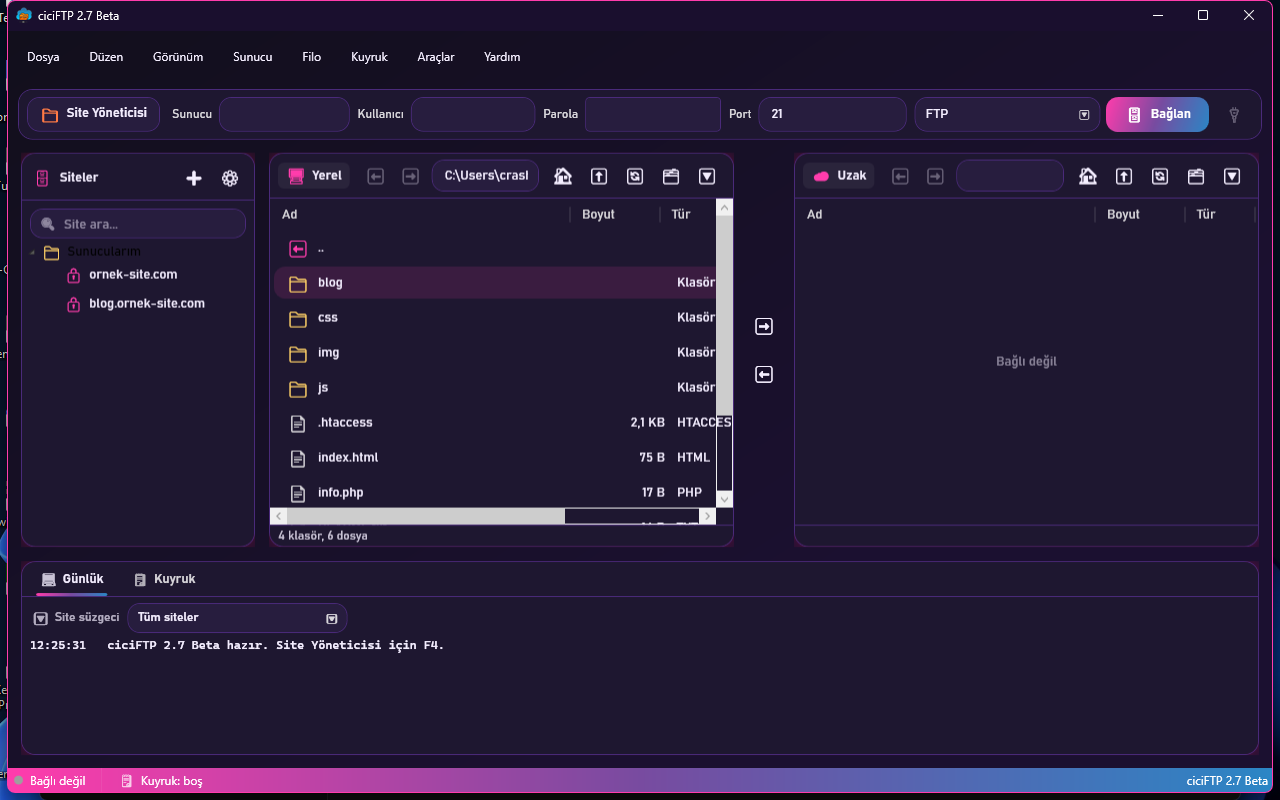
ciciFTP is a modern file transfer client for Windows: FTP, FTPS, SFTP, WebDAV, HTTP, Amazon S3 and compatibles, Azure Blob. It talks to hosting panels, speaks 35 languages, ships 10 themes, and is secure by default.
Download for Windows (MSI) Portable ZIP and checksums
Free · Windows 10/11 (64-bit) · Requires .NET 10 Desktop Runtime · No ads, no telemetry, no account
Why ciciFTP?
Every protocol
FTP, FTPS (explicit and implicit TLS), SFTP, WebDAV (Nextcloud, ownCloud, SharePoint, IIS), HTTP directories, Amazon S3 and S3-compatibles (Wasabi, Backblaze B2, Cloudflare R2, DigitalOcean Spaces, MinIO, Google Cloud, Oracle), Azure Blob Storage.
Hosting panel integration
cPanel/WHM, Plesk, DirectAdmin, CloudPanel, CyberPanel, aaPanel, Virtualmin, ISPConfig, Hestia: import sites from the panel and grant SFTP/FTP access in one click.
Secure by default
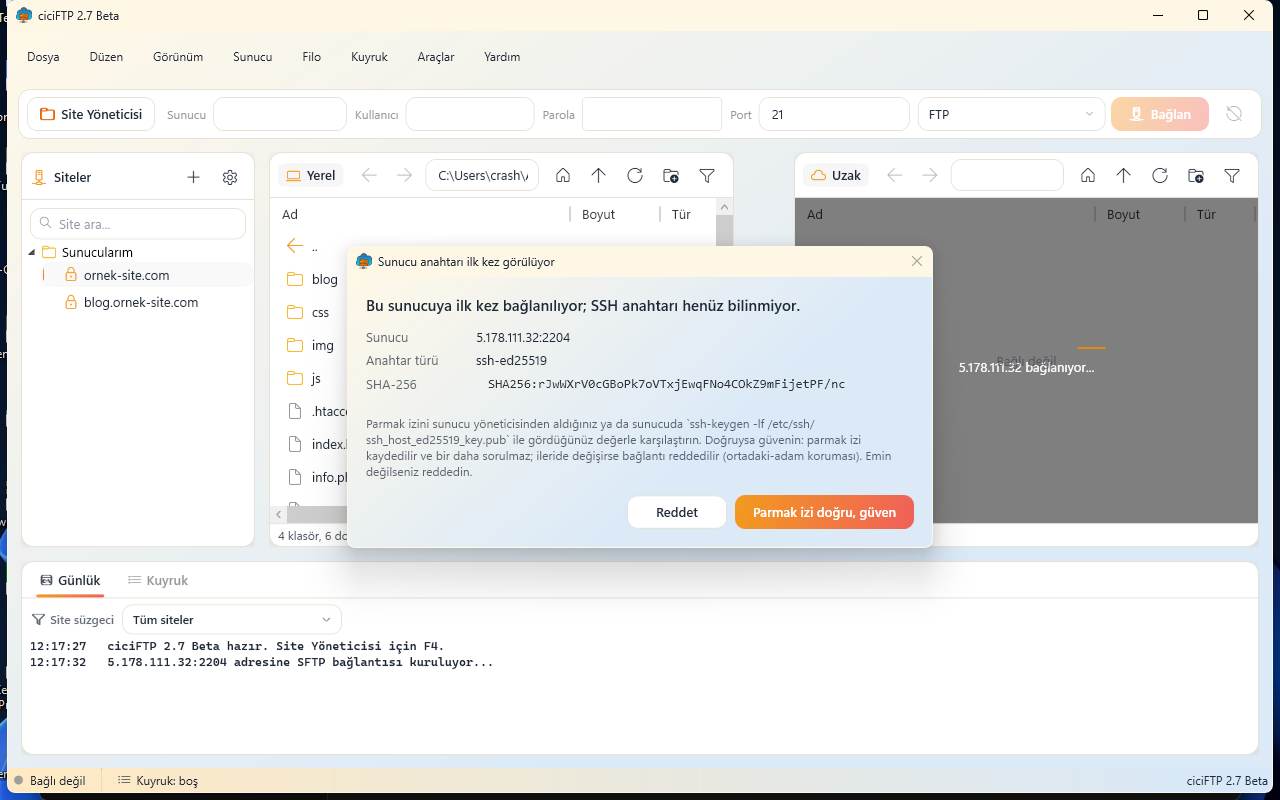
Passwords encrypted with DPAPI or a master password (AES-GCM); SSH keys encrypted on disk; host key and certificate pinning; fingerprint confirmation on first contact; signed update checks. Details →
Fast and resilient
Parallel transfer queue, resume where it left off, MODE Z compression, accelerated segmented downloads, size and checksum verification, automatic retry.
Sync and automation
Folder sync (mirror, changed only, checksum compare), scheduled tasks, macro recording, a scripting language, deployment to several servers, watch a local folder and upload automatically.
Tools
Built-in editor (syntax highlighting, find and replace), find files on the server, duplicate finder, disk usage map, batch rename, chmod, OpenPGP encryption, remote archive extraction.
10 themes 35 languages Proxy: SOCKS4/5, HTTP, system IPv6 UPnP Drag and drop Explorer context menu Portable mode Command line
Pick your theme
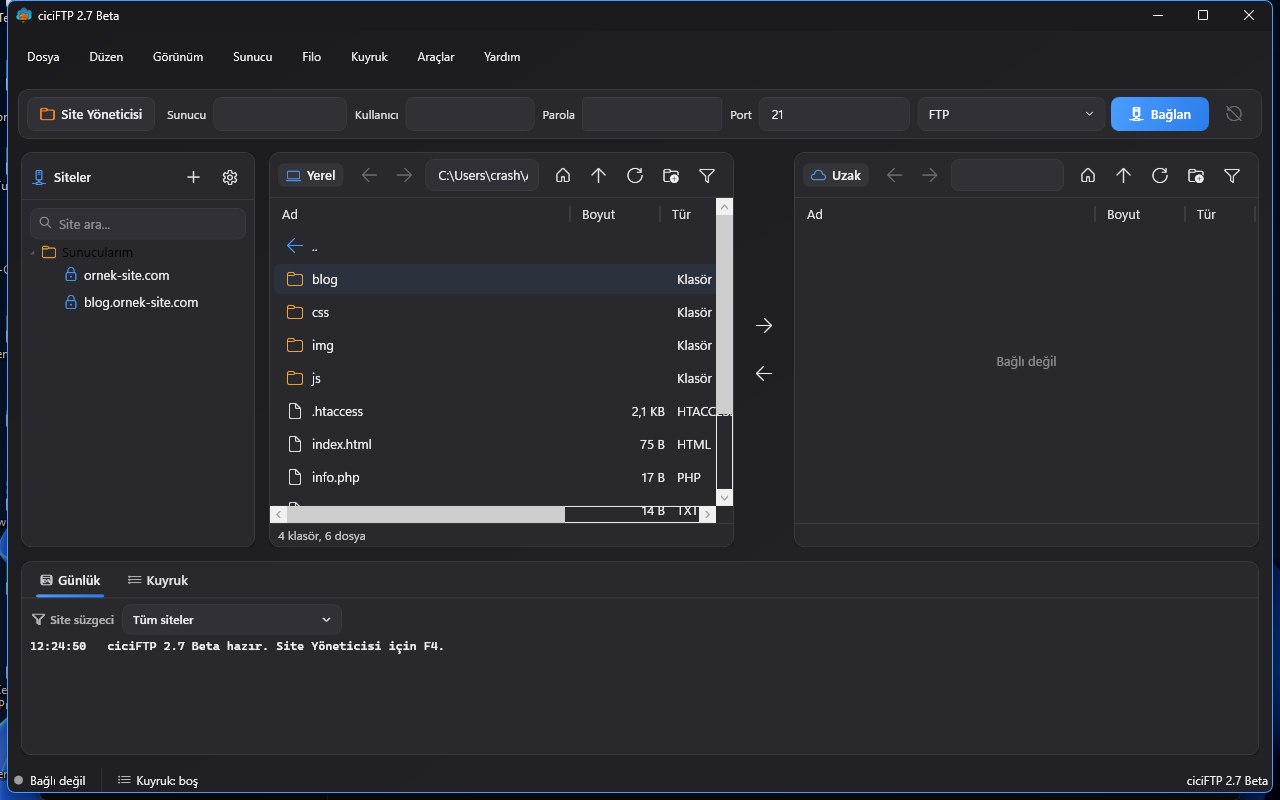
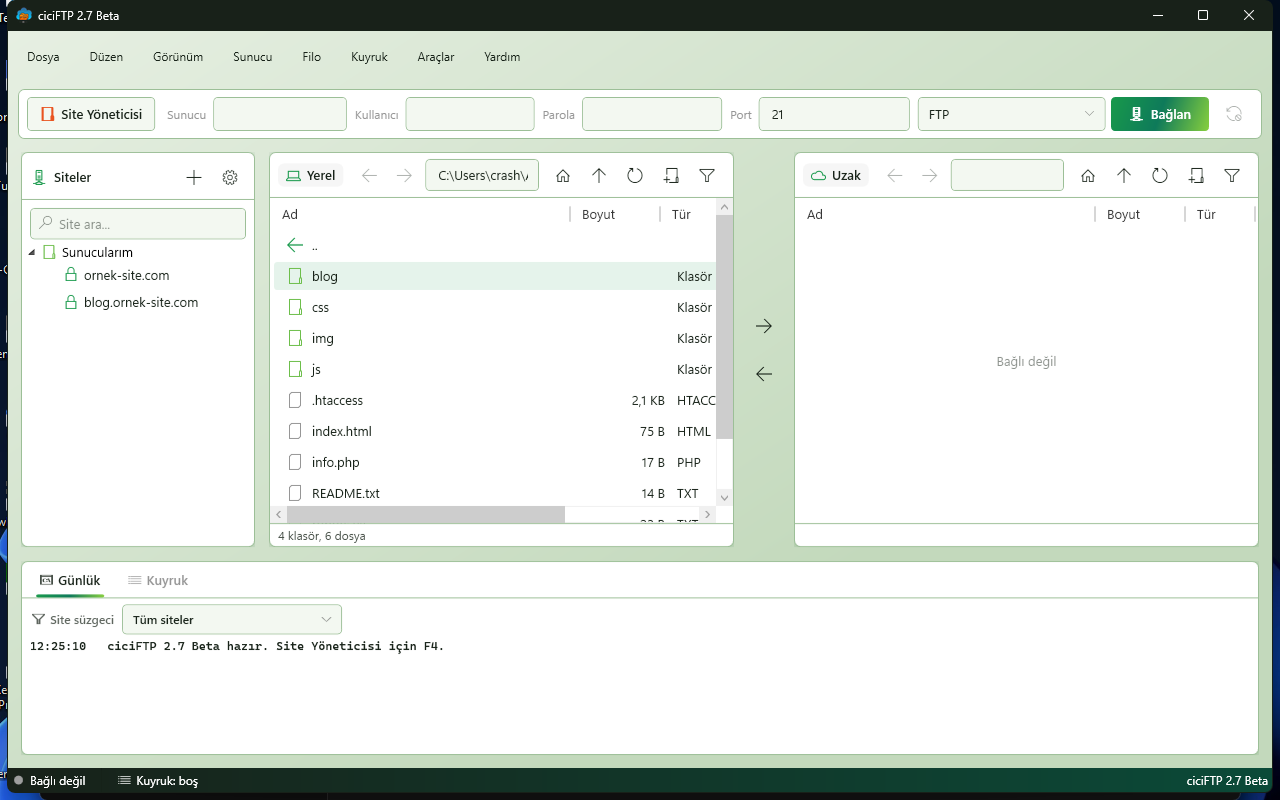
Daylight, Night, Emerald, Nostalgia (Windows XP), Amethyst, Ocean, Deep Sea, Neon, Mint (Linux Mint) and System — all one click away.
What is new in the latest release?
2.8.0-beta · Beta
• Dropbox (Services/Remote/DropboxRemoteClient.cs, Dropbox API v2): kişisel bulut sürücüsü. Listeleme (list_folder + sayfalama), yükleme (≤ 8 MB tek istek; üstü upload_session ile 8 MB parçalı), indirme (Range ile sürdü… • OAuth2 + PKCE (Services/Remote/DropboxOAuth.cs): tarayıcıdan tek seferlik yetkilendirme (loopback yönlendirme), uzun ömürlü refresh token site parolası olarak şifreli saklanır (DPAPI/ana parola); her bağlanışta kısa ö… • Arayüz: Site Yöneticisi protokol listesine "Dropbox"; seçilince "Dropbox'a bağlan (tarayıcıda yetkilendir)" düğmesiyle hesap bağlanır. • Güvenlik sertleştirmesi (4. tur denetimi, aynı sürümde): • Test: sahte Dropbox sunucusu (tests/servers/dropbox_fake.py) + DropboxSuite (16 doğrulama) + OAuth sertleştirme testleri; depo içi test çatısı 28 süit / 929 doğrulama. • Not: OneDrive / Box aynı OAuth çatısıyla sıradadır.
Open and honest
ciciFTP asks for no account, shows no ads and collects no data. The update check reads only ciciftp.com/version.json (signature verified) — that is all. Privacy →
Community
Questions, ideas and bug reports on the forum. Email: support@ciciftp.com. Security reports: security@kodhisar.com.